

Rules engine
Rules are the logic an order is validated against. Every rule belongs to a payer and describes a condition to check and the outcome when it matches. Rules move through a lifecycle from draft to active, and active rules are versioned as they improve.
Draft rules vs. active rules
- Draft rules are candidates extracted from a payer’s policy documents (or authored manually). They carry a confidence score, the source document and page, and the excerpt they came from. Drafts do not affect validation until promoted.
- Active rules participate in order validation. Each active rule has a code, a plain-English description, a scope (the CPT/ICD codes it applies to), a severity, and a live version.
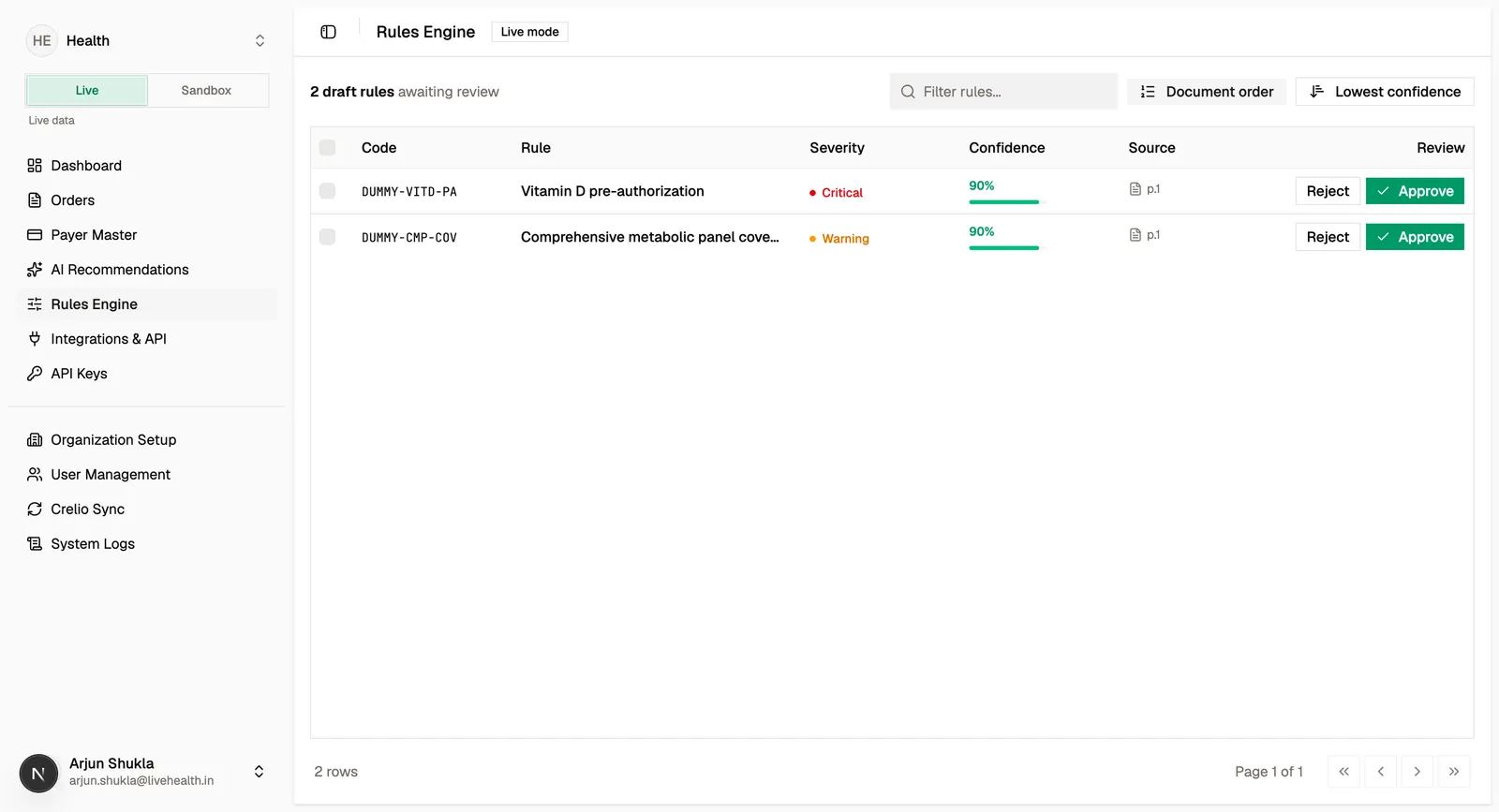
Reviewing and promoting drafts
Extracted drafts land in a review queue. For each draft you can:
Rule anatomy
An active rule captures:
- Scope — the CPT and ICD codes the rule applies to, plus a scope note.
- Logic — a
whencondition and athenoutcome, expressed in plain English. - Severity — how serious a match is, which drives the finding’s verdict on an order.
When an order is validated, each rule that applies is evaluated; the ones that match become findings on the order, and the ones that were checked but didn’t match are recorded as evaluated rules for transparency.
Versioning and disabling
Active rules are versioned. A rule can be revised over time, and each change creates a new version while preserving history. Every validation records which rule version it used, so a past result always reflects the rule as it was at the time.
An active rule can be disabled when it should no longer participate in validation. Disabling is preferred over deletion so historical findings remain interpretable.
Rule review and management is a dashboard capability governed by organization roles (rule:read, rule:activate, rule:deactivate). It is not part of the public API.