

Organization & users
Your organization is the top-level account that owns everything in Revenue Guard — payers, rules, orders, API keys, webhooks, and both environments. Members of the organization access it with roles that determine what they can do.
Organization setup
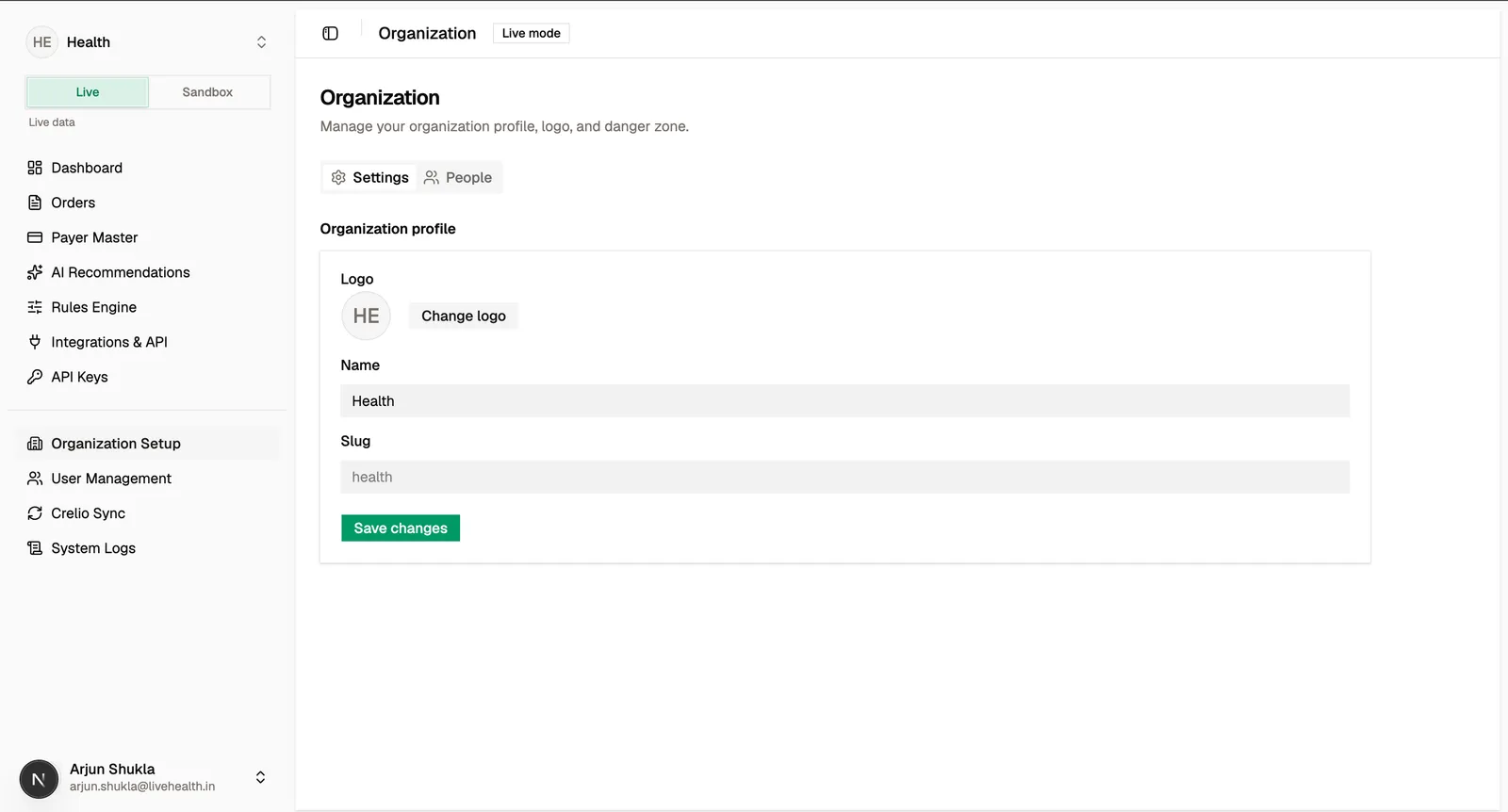
The Organization Setup page manages your organization’s profile, such as its name and logo. These settings apply across both environments.
Inviting and managing people
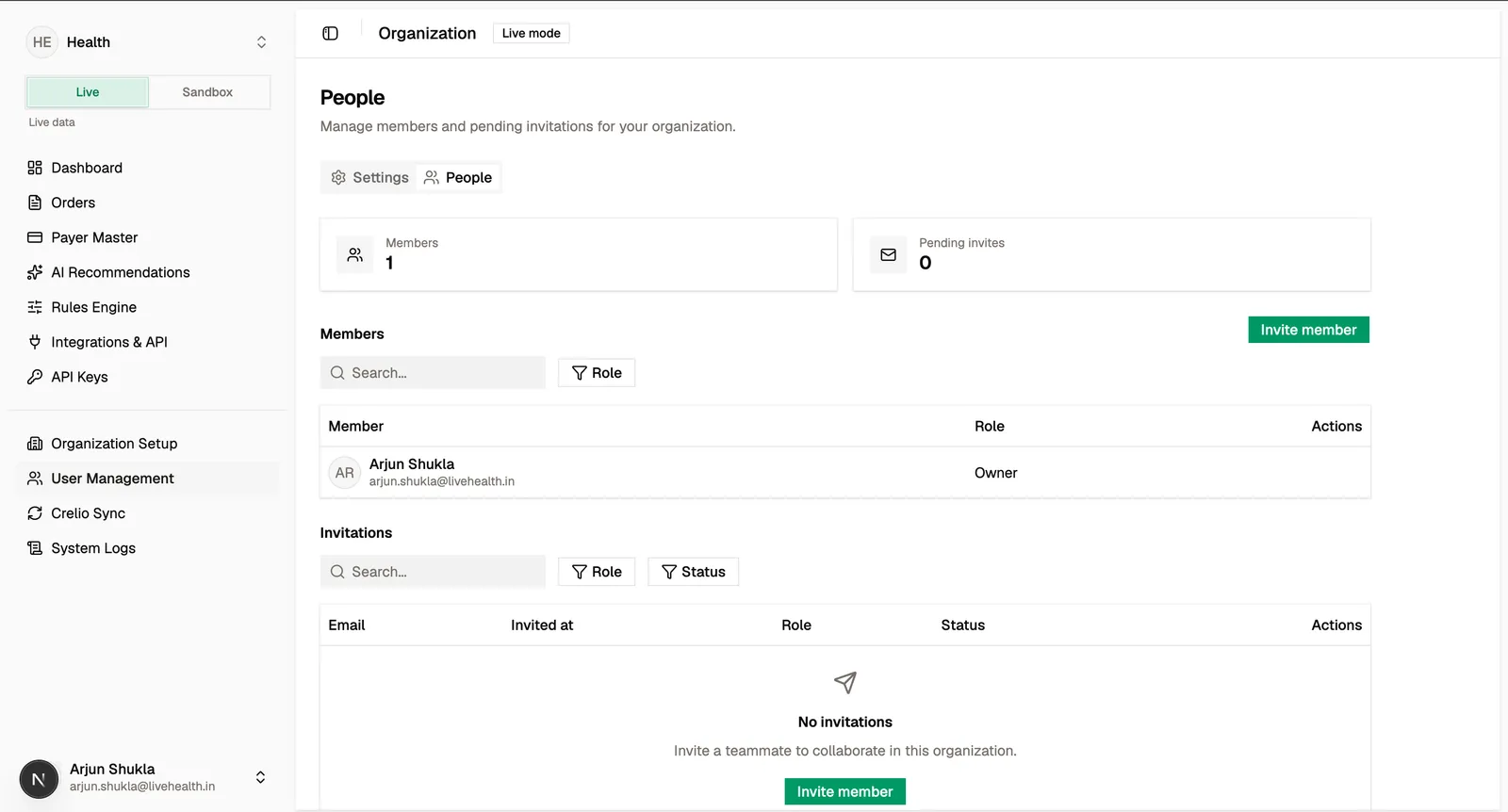
The User Management page lists members and pending invitations. Invite a teammate by email and assign them a role; they join once they accept the invitation.
Roles
Access is governed by roles. Each role grants a fixed set of permissions across resources (payers, policies, rules, orders, API keys, and webhooks):
When inviting or updating a member you can assign Admin, Analyst, or Integrator. Ownership is transferred as a separate, deliberate action rather than assigned like a routine role.
Roles map to concrete permissions such as rule:activate, apiKey:create, and webhook:rotate_secret. If someone can’t perform an action, their role likely doesn’t include that permission — an Analyst, for example, can read rules but not activate them.